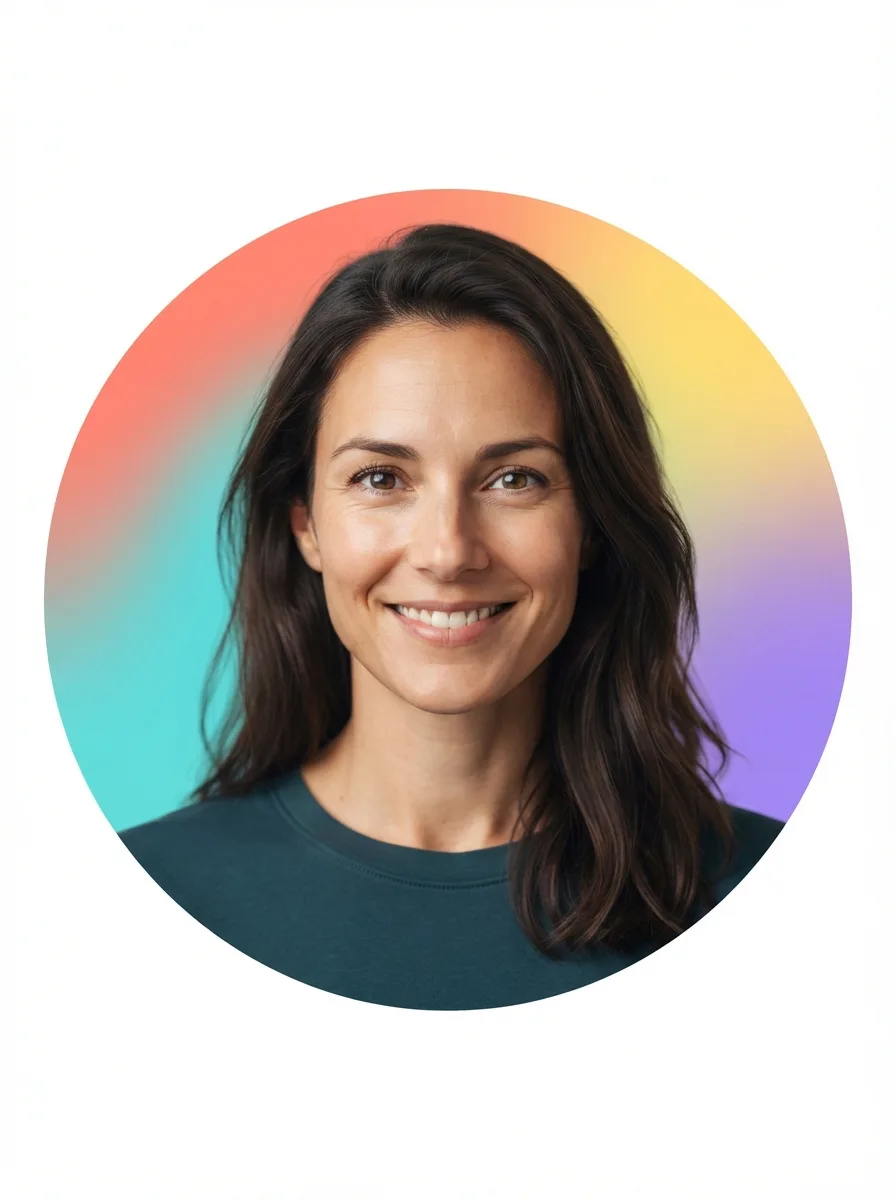
Use the attached photo as the reference for the person. Keep her face, facial features, skin tone, hair, body type and identity exactly as they are, with no retouching that changes who she is. If no photo is attached, use the Person described below.

Frame a clean professional headshot for a company LinkedIn banner insert, with the person positioned slightly to one side and enough uncluttered space around her for surrounding banner content. Use the Background behind her with a strong, natural-looking depth-of-field blur. Keep her face sharply focused, turned slightly toward the camera with a calm, approachable expression and relaxed posture. Use soft window light from the front and side, gentle facial shadows, realistic skin texture and neutral color grading. Compose the image in the Format, maintaining accurate facial proportions and avoiding distracting objects, harsh retouching or artificial-looking blur.

Use these details:
Person: "A woman with shoulder-length dark brown hair and a friendly, composed expression"
Background: "A softly blurred modern office with glass walls, warm wood accents and subtle greenery"
Format: "Wide LinkedIn banner insert, 3:1 landscape"