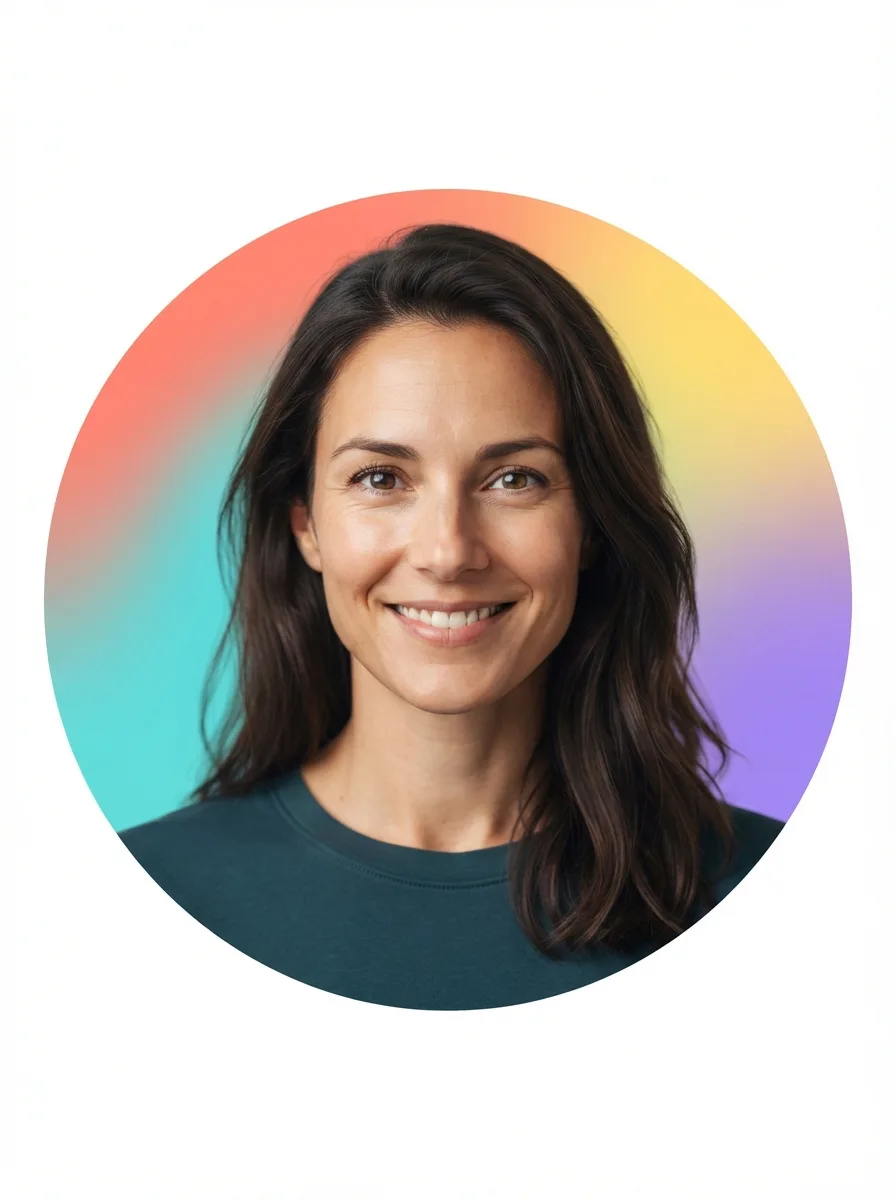
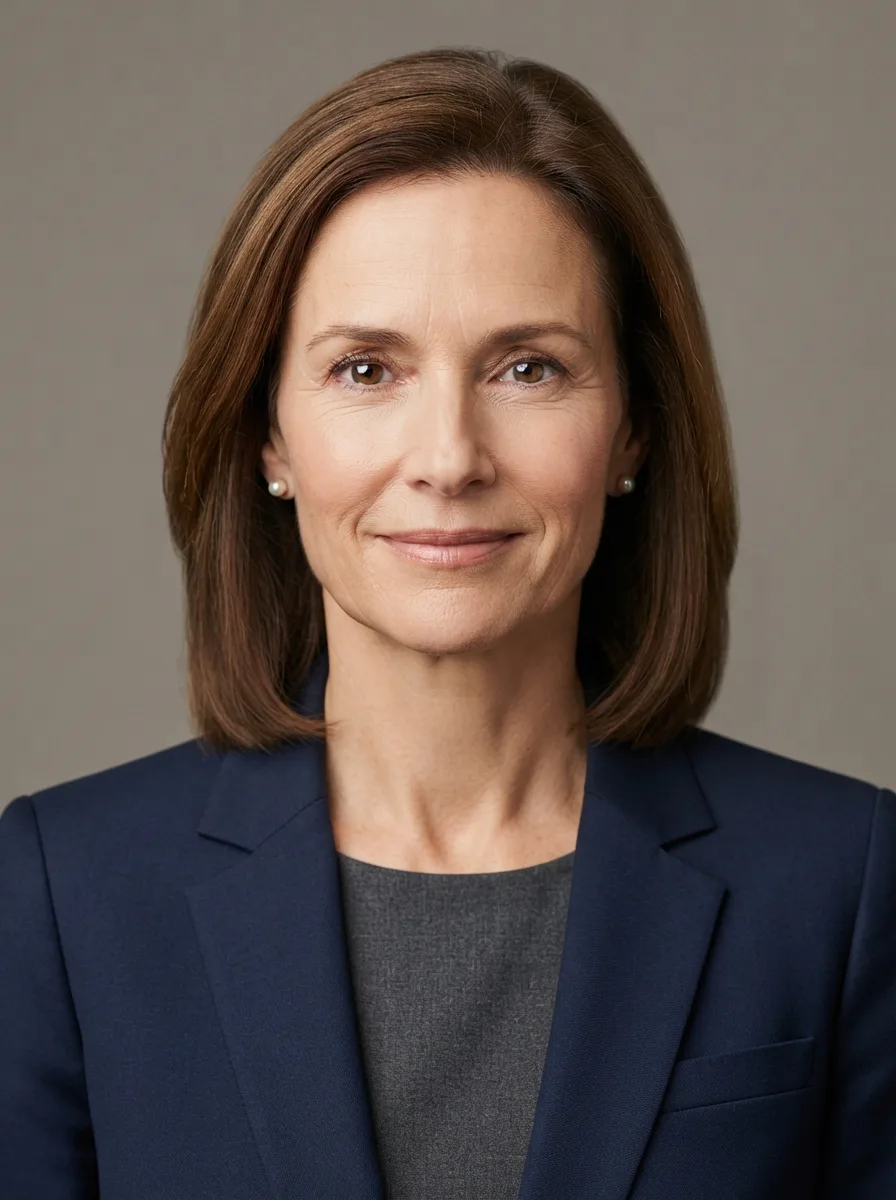
Turn the attached photo into a friendly headshot for an app profile icon. Keep the woman exactly as she appears in the photo, preserving her face, facial features, skin tone, hair, body type and natural identity without changing or over-retouching her appearance. If no photo is attached, use the Subject described below.

Frame her face and upper shoulders centrally with comfortable space around the head, a relaxed expression and direct eye contact. Place the Background Style behind her and use the Color Palette for a bright, cheerful circular backdrop with smooth color transitions. Keep the face sharply focused, the edges of the circle clean and the lighting soft, even and flattering. Use a simple modern portrait style with natural skin texture, clear eyes and subtle separation from the background. Crop and compose the result for the Icon Format, ensuring the head and shoulders remain comfortably inside the circular profile area.

Use these details:
Subject: "A woman with shoulder-length dark hair and a friendly expression"
Color Palette: "coral, turquoise, yellow and violet"
Background Style: "a bright multicolor circular gradient"
Icon Format: "1:1 square app profile icon"