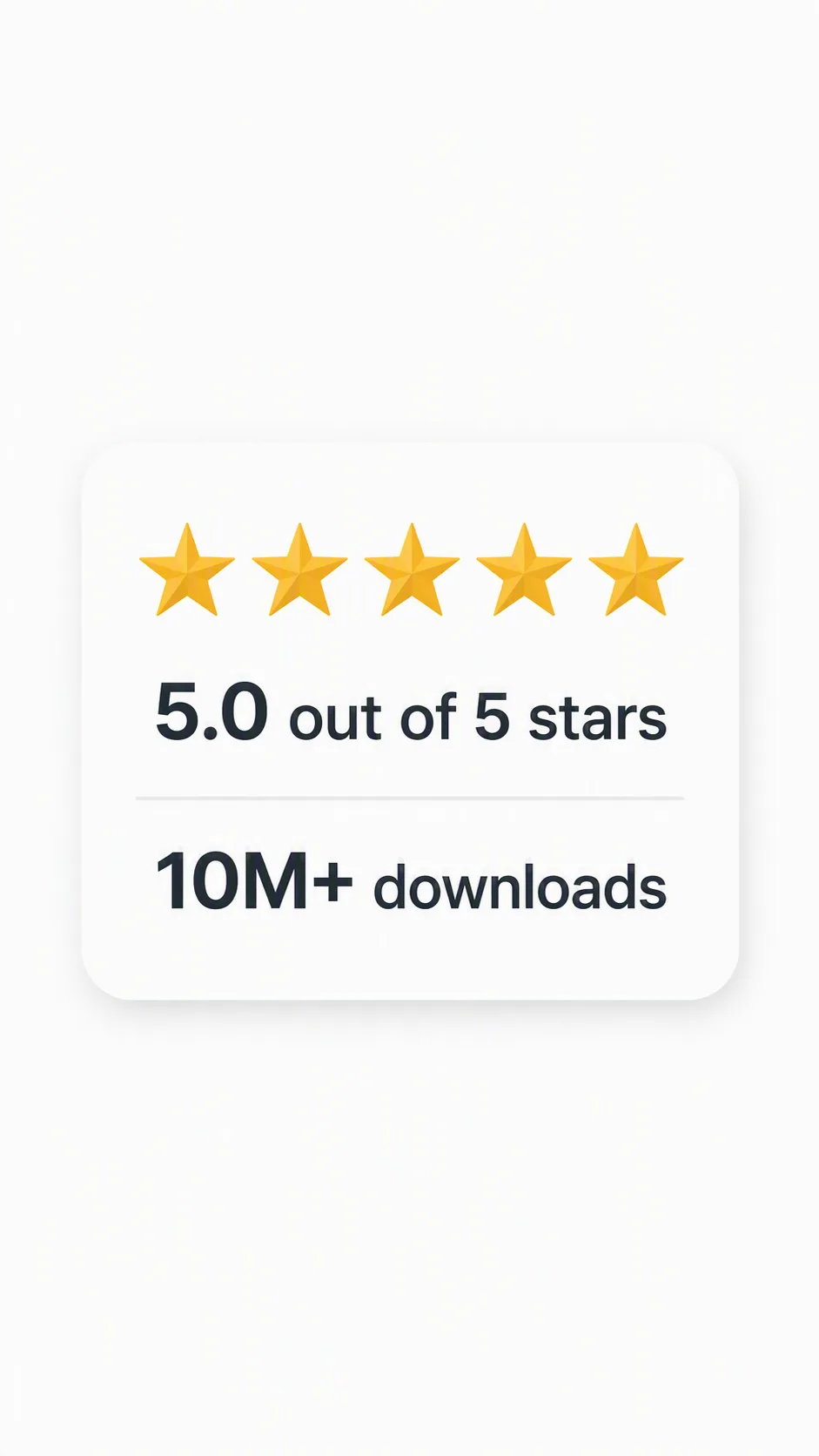
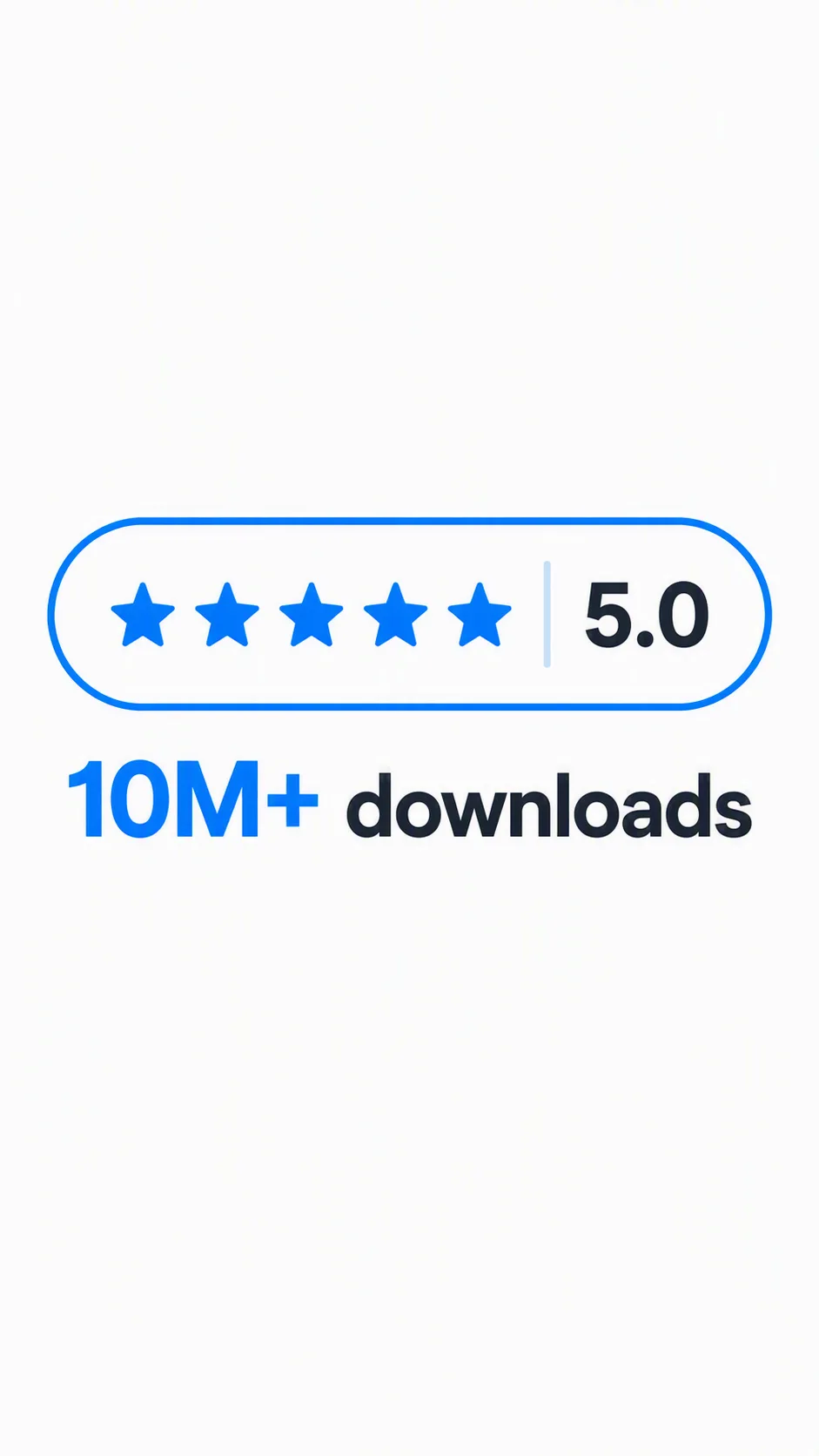
Build a clean app store screenshot centered on a compact five-star rating badge. Render the Rating Text and Download Text exactly as written, with the rating prominently displayed above or beside the download count. Use the Background and Color Palette to create strong contrast, generous whitespace and an uncluttered visual hierarchy. Give the badge softly rounded corners, balanced spacing, crisp edges and a subtle shadow that keeps it distinct from the background without looking decorative. Use precise, legible typography with consistent alignment and enough scale for the text to remain readable at thumbnail size. Keep the composition symmetrical and leave comfortable margins around the badge. The result should feel trustworthy, modern and suitable for app marketing, rendered in the Format. Avoid extra copy, icons, interface controls, logos or decorative elements that compete with the rating and download count.

Use these details:
Rating Text: "5.0 out of 5 stars"
Download Text: "10M+ downloads"
Background: "clean white background"
Color Palette: "white, charcoal and warm gold"
Format: "9:16 vertical app store screenshot"