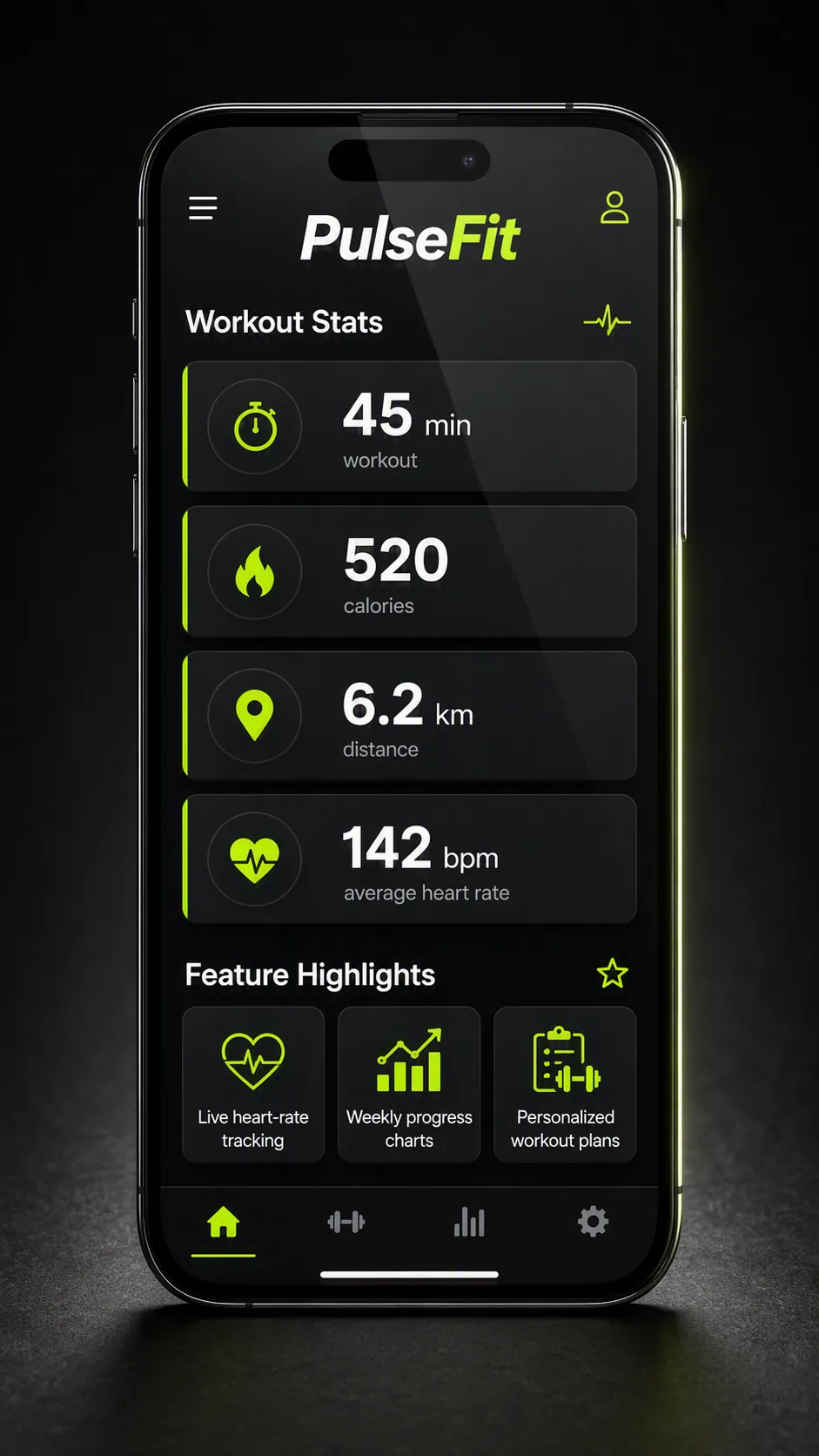
Show the App Name inside a realistic smartphone mockup displaying a dark-themed fitness app dashboard. Make the Workout Stats the visual focus, arranged in clean cards with clear hierarchy, generous spacing and small supporting icons. Include the Feature Highlights in a secondary section beneath the main statistics, using compact cards or a horizontal feature row. Use the Color Palette throughout the interface, with strong contrast, restrained accents and crisp white typography. Place the phone upright against a subtle dark studio background with a soft surface shadow and controlled rim light around the device. Keep the perspective nearly front-facing so every screen element remains legible, with realistic glass reflections that do not obscure the interface. Render all App Name, Workout Stats and Feature Highlights text exactly as written, with no extra copy, misspellings or distorted lettering. Compose the image in the Format.

Use these details:
App Name: "PulseFit"
Workout Stats: ["45 min workout", "520 calories", "6.2 km distance", "142 bpm average heart rate"]
Feature Highlights: ["Live heart-rate tracking", "Weekly progress charts", "Personalized workout plans"]
Color Palette: "charcoal black, graphite gray, electric lime and white"
Format: "9:16 vertical"