Design an informal LinkedIn personal update post in the Format. Use the Background Color as a clean, lightly textured full-bleed backdrop with generous breathing room. Place the Headline prominently near the upper center in a casual handwritten style, with a visible hand-drawn underline beneath it. Set the Update Text below in a highly legible, relaxed sans-serif typeface with comfortable line spacing and a natural editorial layout. Add a few loose hand-drawn accent marks in the Accent Color, such as short lines, small stars or imperfect loops, positioned around the headline without competing with the text. Keep the composition warm, approachable and personal, with subtle paper grain and carefully balanced margins. Render every word of the Headline and Update Text exactly as written, with no extra text, misspellings or decorative elements covering the lettering.

Use these details:
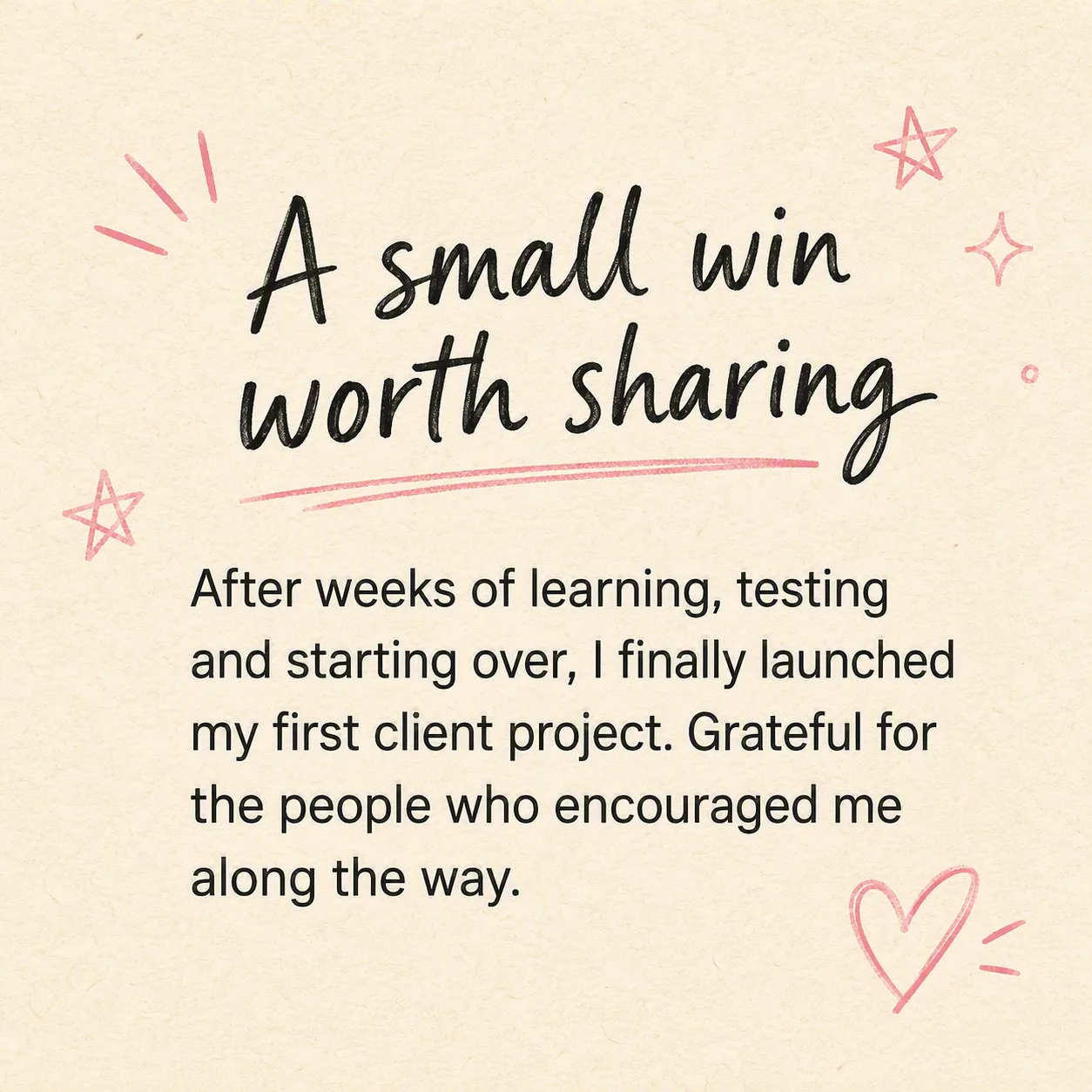
Headline: "A small win worth sharing"
Update Text: "After weeks of learning, testing and starting over, I finally launched my first client project. Grateful for the people who encouraged me along the way."
Background Color: "warm cream"
Accent Color: "soft pink"
Format: "1:1 square LinkedIn post"