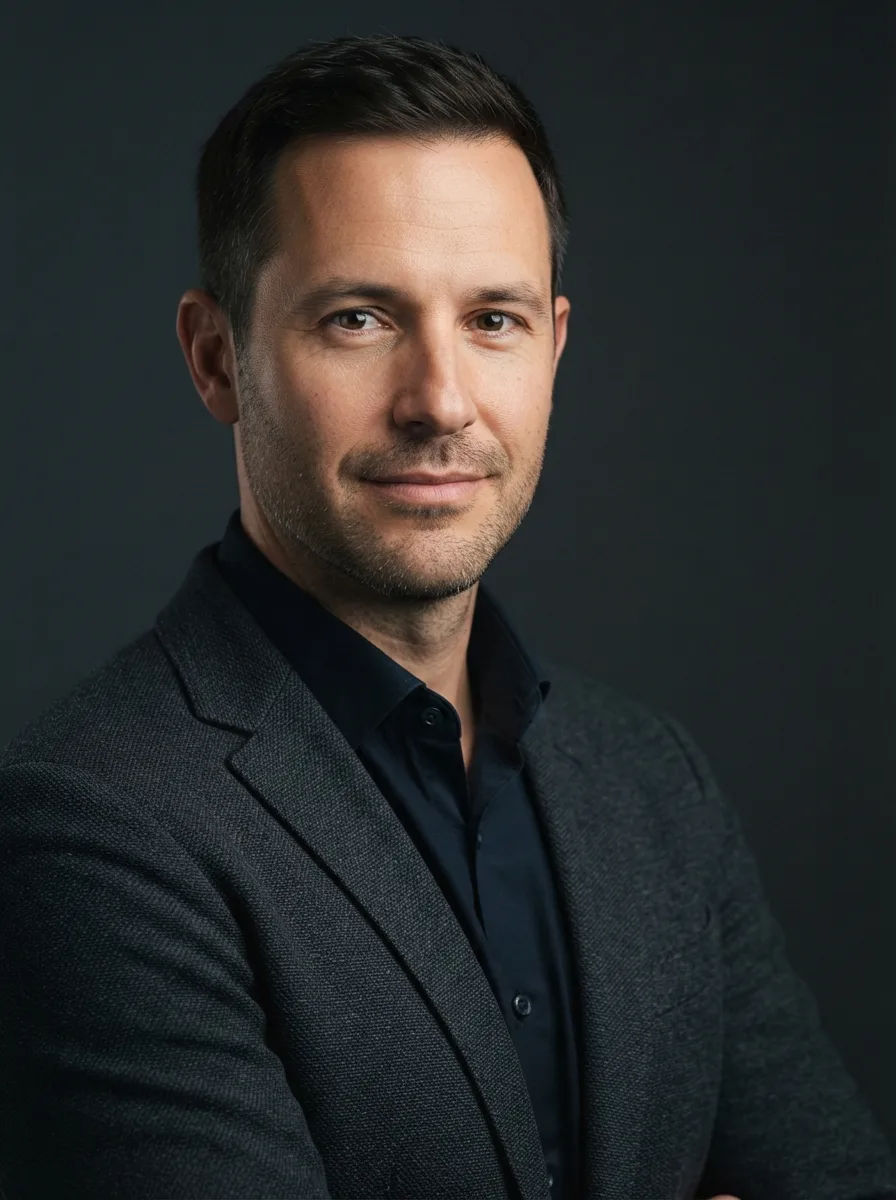
Turn the attached photo into a natural LinkedIn headshot. Keep the person exactly as shown in the photo, including his face, facial features, skin tone, hair, age, body type and identity. Do not reshape or retouch his features. If no photo is attached, use the Subject described below.

Dress him in a blazer using the Blazer Color over the Shirt. Place him in the Office Background, rendered with a soft professional blur that adds depth without distracting from his face. Frame a relaxed head-and-shoulders portrait with direct eye contact, a calm approachable expression and natural upright posture. Use soft window light from one side, gentle fill on the opposite side and realistic skin texture. Keep the background understated and the face sharply focused, with subtle depth of field and authentic office color. Photograph it with an 85mm portrait lens look and produce the result in the Format. Avoid exaggerated skin smoothing, artificial facial changes, warped clothing or distracting background details.

Use these details:
Subject: "adult man"
Blazer Color: "navy blue"
Shirt: "white dress shirt with no tie"
Office Background: "modern office with glass walls and softly blurred desks"
Format: "4:5 vertical LinkedIn profile photo"