Design a bold marketplace post with a clean vertical split background and a realistic retail store mockup placed prominently in the composition. Use the Color Palette to divide the background into two balanced blocks, reserving clear space for strong typography and maintaining crisp contrast throughout. Render the Headline exactly as written in a large, confident sans-serif style near the top. Present the Tier Names and matching Tier Details in three compact, easy-to-scan plan cards or columns, using clear hierarchy and consistent spacing. Include the Call To Action exactly as written in a prominent button near the bottom. Build the mockup around the Store Scene with realistic storefront depth, subtle shadows and carefully controlled reflections. Keep the layout uncluttered, commercial and ready for social sharing, with no extra text, misspellings or decorative elements competing with the offer. Compose the final artwork in the Format.

Use these details:
Color Palette: "orange"
Headline: "Choose the tier that fits your store"
Tier Names: ["Starter", "Growth", "Scale"]
Tier Details: ["Online catalog and basic sales tools", "Advanced promotions and customer insights", "Multi-location selling and priority support"]
Call To Action: "Compare plans"
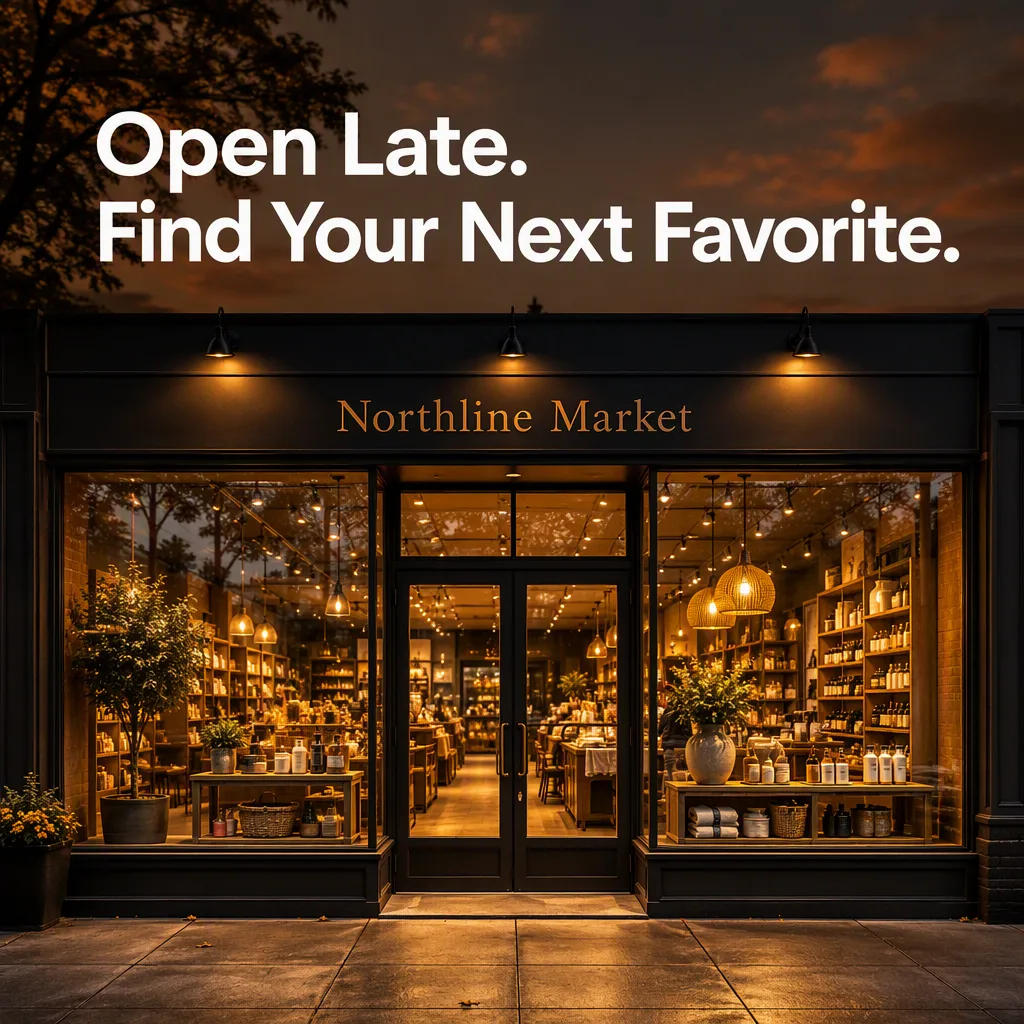
Store Scene: "a bright contemporary retail storefront with glass doors, display shelves and neatly arranged shopping bags"
Format: "1:1 square marketplace post"