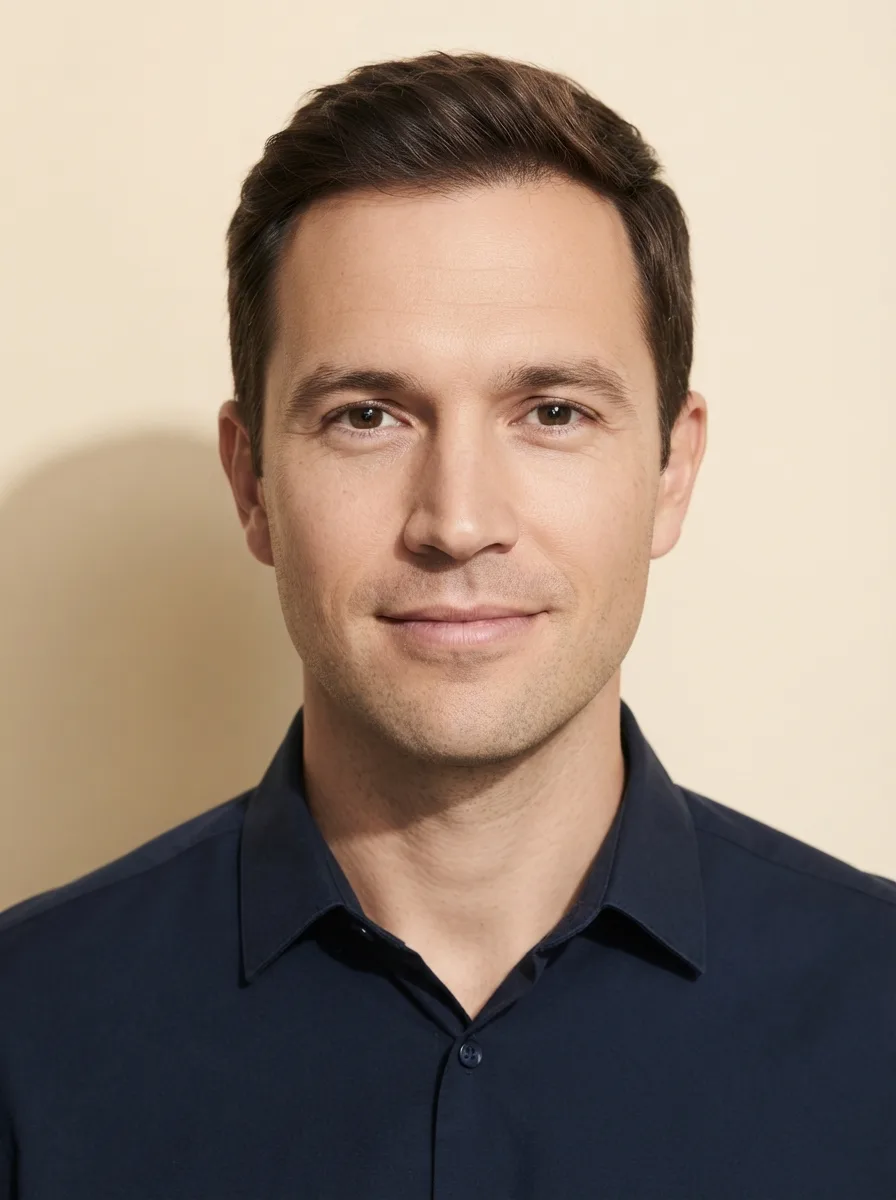
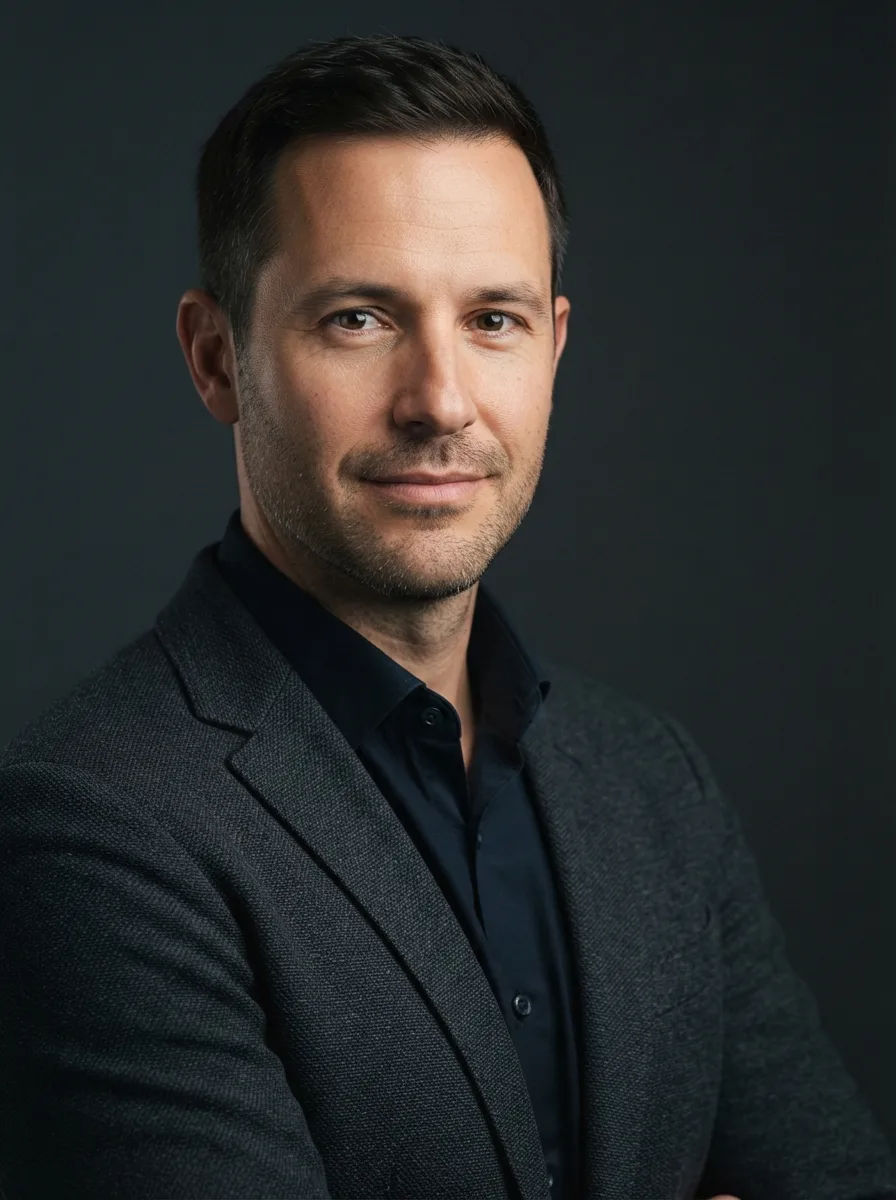
Turn the attached selfie into a friendly profile photo for a YouTube channel About page. Keep the man exactly as he appears in the photo, preserving his face, facial features, skin tone, hair, body type and natural identity without reshaping or retouching him. If no photo is attached, use the Man described below.

Frame the Man in a relaxed shoulders-up composition against the Background. Use the Lighting for an authentic, casually photographed feel rather than a formal studio look. Keep the expression approachable and natural, with realistic skin texture and subtle background separation. Use the Format and leave comfortable space around the head and shoulders. Keep the wall clean and uncluttered, with no props, text, logos or distracting patterns. Make the result look like a genuine personal channel photo, not a corporate headshot.

Use these details:
Man: "a casually dressed man in his 30s with short brown hair and a friendly expression"
Background: "a plain warm white wall"
Lighting: "soft natural window light with gentle, casual shadows"
Format: "1:1 square, shoulders-up portrait"
AI models never repeat themselves exactly, so your result will differ from the one here. Change the details to make it yours.