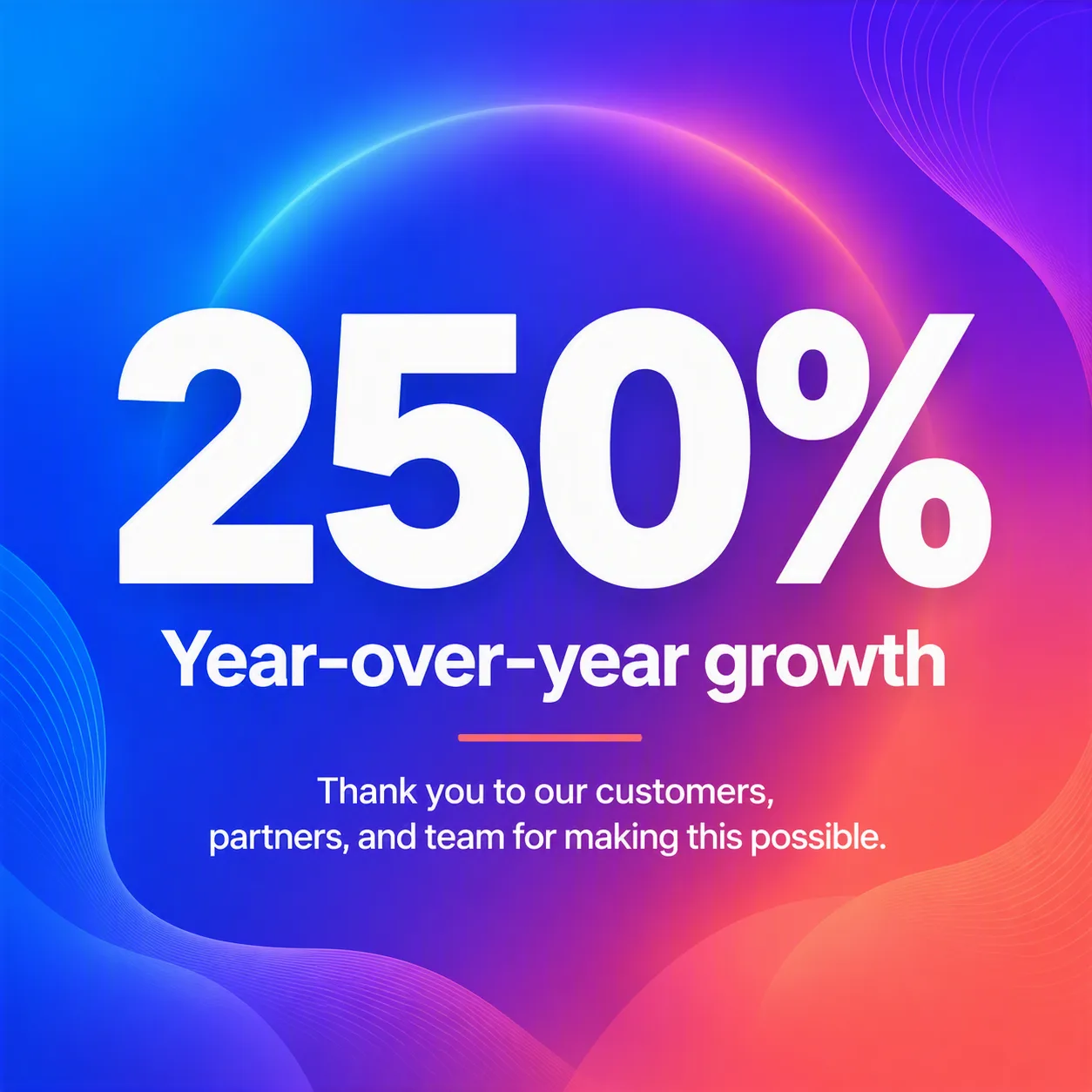
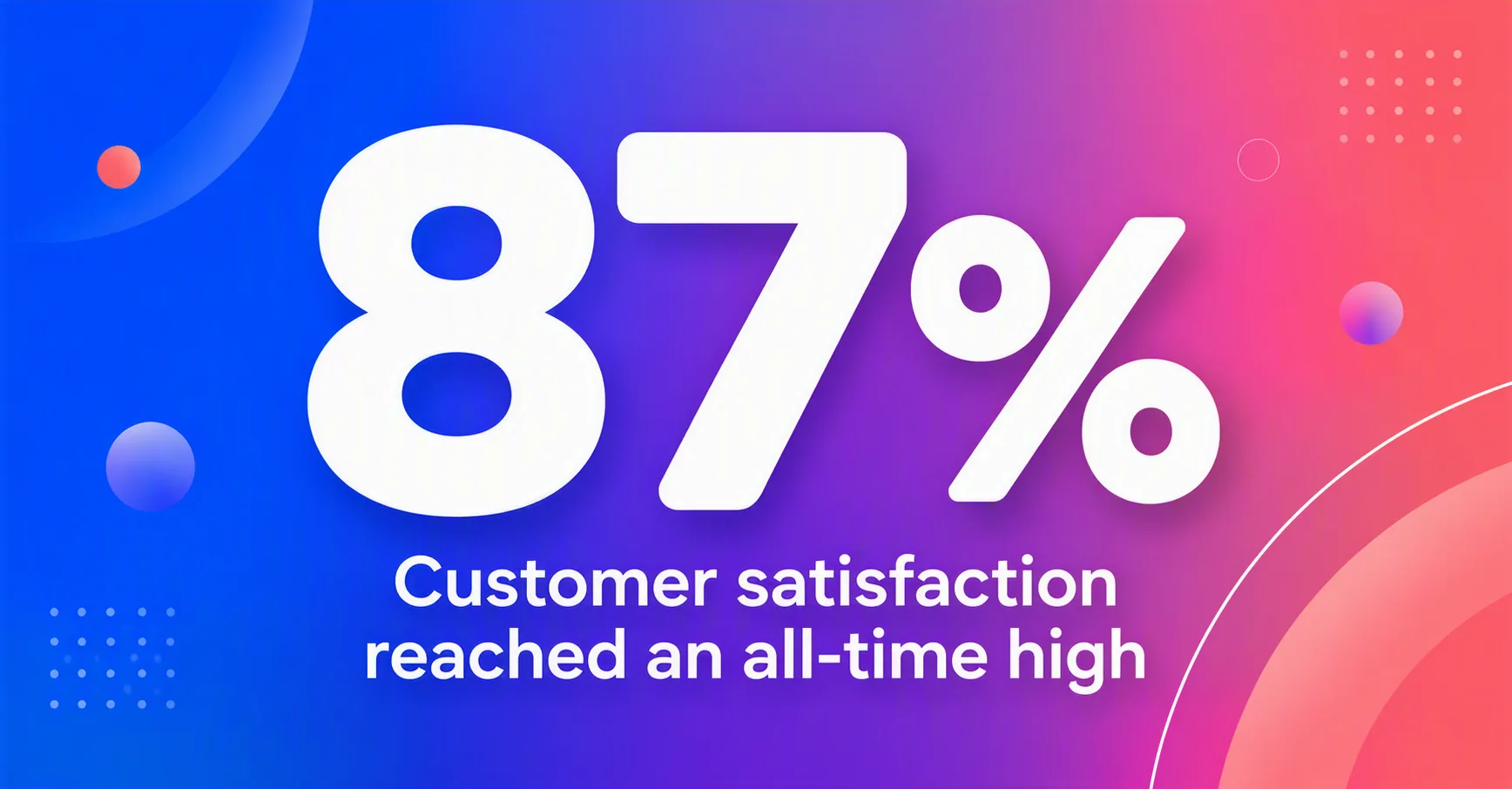
Build a bold LinkedIn growth milestone graphic in the Format. Use a bright, fluid gradient background based on the Color Palette, with subtle blurred color transitions and generous breathing room. Make the Statistic Number the dominant visual element, oversized and set in a heavy geometric sans-serif typeface. Place the Milestone Text beneath it with clear hierarchy, followed by the Supporting Text in smaller, highly legible type. Keep the layout centered, balanced, and easy to scan in a social media feed. Use crisp white typography with restrained contrast accents from the Color Palette. Add refined abstract shapes or soft glow behind the number to create depth without distracting from the message. Render every text field exactly as written, with no extra words, misspellings, or decorative lettering. Finish with a clean, confident business communication style.

Use these details:
Statistic Number: "250%"
Milestone Text: "Year-over-year growth"
Supporting Text: "Thank you to our customers, partners, and team for making this possible."
Color Palette: "electric blue, violet, coral, and white"
Format: "1:1 square LinkedIn post"